Stop Issuing Wallet Passes Manually
Read Time:
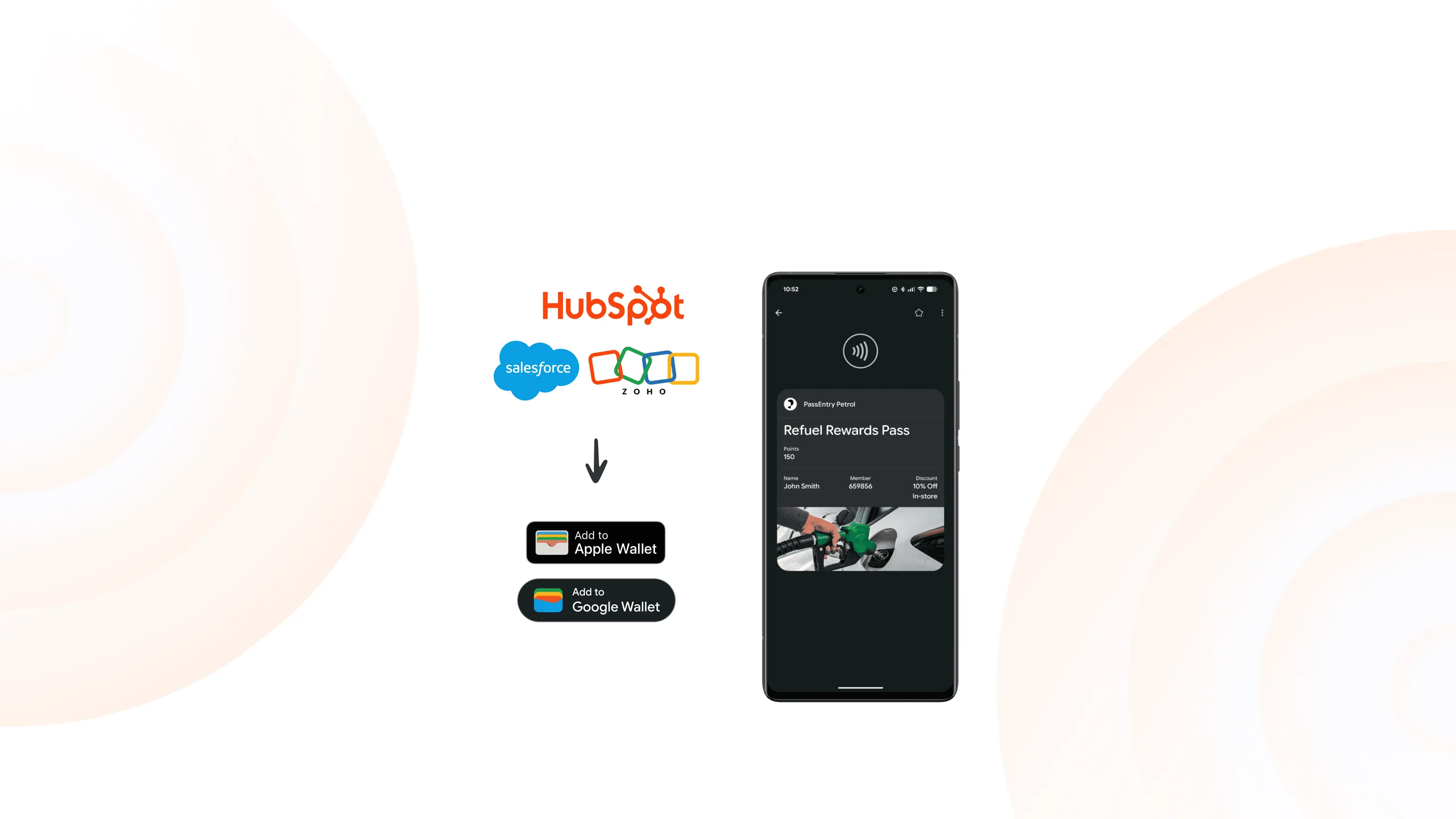
PassEntry connects to your CRM either through Zapier to deliver a quick, no-code setup, or our API if you prefer full control — either way, we’ve got both Apple and Google Wallet covered. You choose the integration style that works best for your company.
CRM integration is to digital passes what the printing press was to books. Before the printing press, every book was copied by hand. Slow, expensive, one at a time. The press changed everything — suddenly books could reach anyone, at scale, instantly.
CRM integration does the same for digital passes. Without it, every pass is created and updated manually. Connect PassEntry to your CRM and it all happens automatically, at scale, for every customer.
CRM integration explained
A pass is the digital card that sits inside your customer’s Apple or Google Wallet — think event ticket, loyalty or membership card, or coupon.
The trigger is the event that kicks everything off — usually something happening in your CRM, like a new contact being added or updated. The action is what happens next, normally creating or updating a pass.
Zapier explained
Zapier connects your apps and automates repetitive tasks between them, with no code needed. Each automation is called a ‘Zap’. There are literally thousands of apps to choose from on the Zapier platform.
PassEntry and Zapier – a simple solution to CRM Integration
PassEntry and Zapier connect your digital passes to over 8,000 apps — including the major CRMs — with no code needed. When data changes in any connected tool, your Apple and Google Wallet passes create or update automatically.
Passes are issued as soon as a trigger fires. When something changes in your CRM — a loyalty balance, a tier, a booking reference — the pass updates in the customer's wallet straight away, and on every device. It can send a push notification to an existing pass and can also deactivate a pass when a subscription ends or an event finishes.
PassEntry is an API-first platform offering flexible integration options for every team. This means that whether you're launching with zero code or building complex enterprise systems, we’ve got you covered.
How to Connect PassEntry to Salesforce via Zapier (identical steps for HubSpot, Zoho, or any CRM on Zapier)
Create your pass template in the PassEntry Dashboard, add the fields you'll pull from Salesforce, and copy your API key from Developer Tools.
Create a new Zap and choose Salesforce as the trigger — a new contact, a new lead, or a closed opportunity, whatever starts the flow.
Add the PassEntry Create Pass action and select your template. Zapier loads the fields automatically.
Map your Salesforce fields to the pass — name, tier, expiry date. The most important one is the External ID: map a unique value like the record ID or email address so PassEntry can find and update the right pass later.
Run the test — you'll get a created pass and a download link. Publish to go live.
Note: Create Pass generates the pass and a link — it doesn't send anything to the customer. To deliver it, add a next step in the same Zap, such as a Twilio SMS, an email, or writing the link back to the Salesforce record
PassEntry Zapier Template
Not starting from scratch? PassEntry has ready-made Zap templates you can open and adjust in minutes. Browse them here
These templates illustrate different scenarios.
Salesforce and Twilio — Salesforce uses a new contact to trigger a pass, Twilio sends it by SMS.
HubSpot — creates a pass when a lead is qualified.
Stripe — deactivates a pass when a subscription is cancelled.
Eventbrite — issues a digital wallet ticket when someone registers.
Connect your CRM to PassEntry – Your Way
Most of our clients choose Zapier (the no-code route) which links your CRM to PassEntry in just a few clicks, with no developer needed. If your CRM is on Zapier - and the majority are - it's a no-code setup that can be live the same day. If you're not sure whether the integration is right for you, it's a great way to test it quickly. There is a cost, but many clients already have a Zapier account.
The API is the custom route, best suited for teams with their own developers or those who want everything wired directly into their own systems. It uses standard requests and webhooks, so PassEntry and your CRM talk to each other in real time.
Zoho for example can send requests and receive webhooks natively and connect directly to PassEntry.
Not sure which route is right for you? Our PassEntry team will help you to figure this out.
Shy Aviation – CRM Case Study
Shy Aviation has chosen PassEntry for their CRM integration, allowing this luxury travel provider to deliver seamless, digital ticket and concierge experiences via the Apple and Google mobile wallets.
"We've seen an increase in engagement rates by 29% and have increased our membership programme by 11% since implementing PassEntry." - Shy Aviation
FAQ
Do I need to know how to code?
Not if you choose Zapier which is an entirely no-code solution.Does it work with Apple Wallet or Google Wallet?
Both – out of the boxWhich CRMs work with PassEntry?
Any CRM that’s on Zapier - try Salesforce, HubSpot, Zoho, Monday.com and thousands more. Going custom? The API works with whatever CRM you're running.How does the pass reach my customer?
PassEntry generates a download link — you deliver it via SMS, email, or your app, as the next step in the same Zap or integration.Can PassEntry send data back to my CRM?
Yes, through triggers like a digital pass being scanned, added to an Apple or Google wallet, or removed.How long does a CRM integration setup take?
A basic Zapier no-code solution can be live within a few hours; a custom PassEntry integration will depend on the client's own systems.
Invisible effort. Visible results.
Talk to us about how to connect PassEntry to your CRM and let every digital wallet pass create, update, and sync itself.