An Enterprise Guide to Digital Wallet Passes
Read Time:
A digital wallet pass can take many different forms. It is a ticket, a boarding pass, a loyalty or membership card and it lives in the wallet already on a customer’s phone (Apple Wallet on the iPhone and Google Wallet on an Android device). It replaces the traditional paper or plastic card with something your customers won’t lose, and unlike a physical card, it updates in real time and can send notifications to the lock screen.
For larger clients, enterprise digital wallet passes go further by connecting to existing CRM, loyalty and ticketing systems. This turns every pass issued into an important additional direct communication channel to each customer. Apply this at scale, and you can reach millions of customers through digital wallet passes.
Add a pass with just one tap from an email, text or QR code.
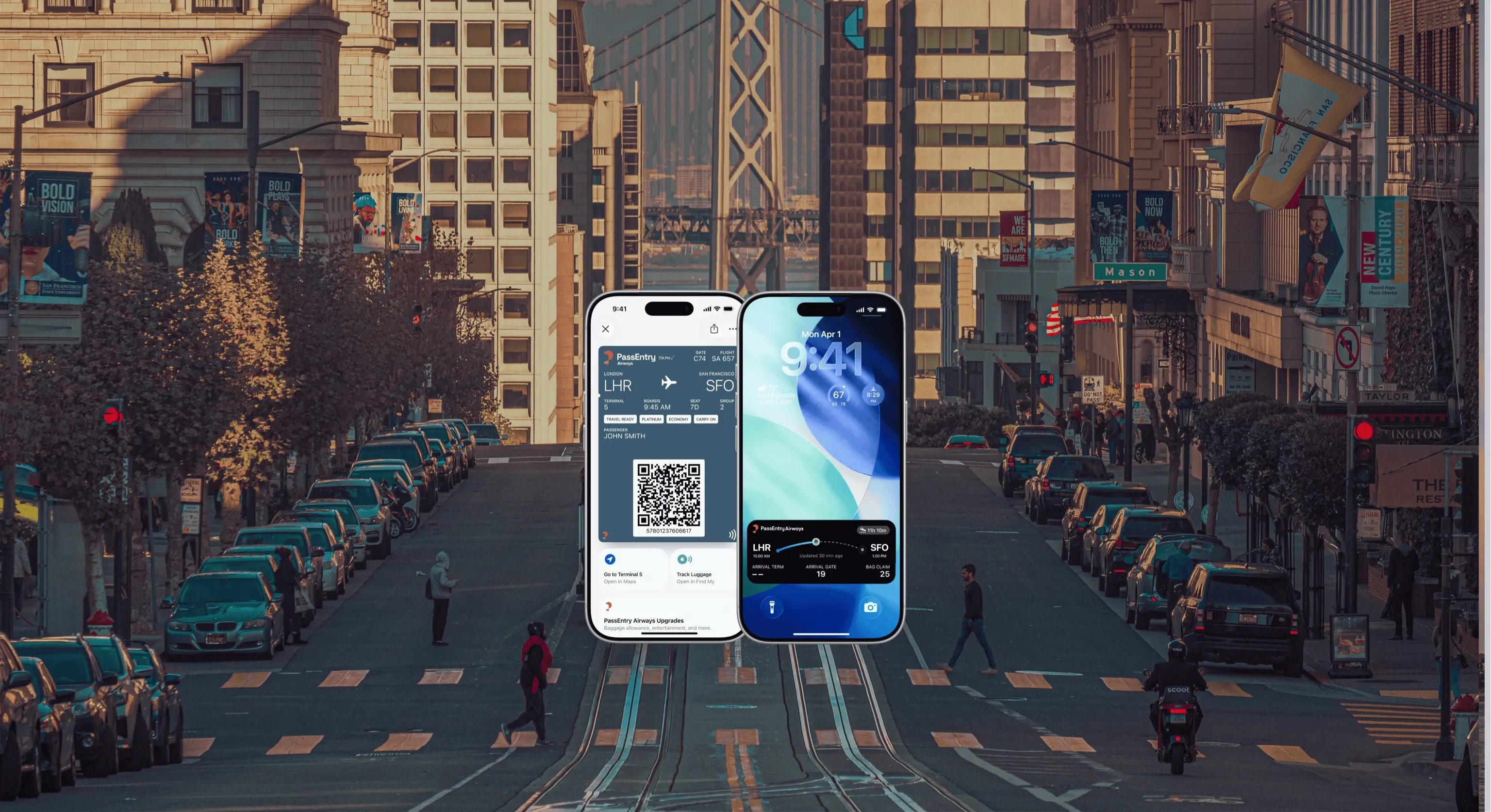
Show it on a phone to be scanned, even without Wifi. Unlike paper and plastic cards, a digital wallet pass can update itself. It can, for example, alert a user to a change of departure gate on a boarding pass, or update the points balance on a loyalty card.
Notifications can go straight to a phone’s lock screen.
How do Apple and Google Wallet passes differ?
Both wallets do the same job, for example offering ticketing, boarding passes and loyalty cards and both can update after saving. But they are built differently.
Apple Wallet passes work on the iPhone and Apple Watch. Google Wallet passes work on Android phones. An Apple pass is a file you download while a Google pass lives in Google’s cloud. To achieve maximum potential customer reach, a business should offer both.
Google requires a free Google Wallet issuer account, with Google’s approval before going live. Apple requires a paid Apple Developer account and a signing certificate.
For customers, the experience is much the same. Tap to add, show to scan, receive updates. The tricky part for businesses is managing two different formats, which is why many enterprises choose the PassEntry solution which allows them to design a pass once, and issue it to both wallets.
Do customers need an app?
No. There is no app to download.
What is an Apple Wallet .pkpass file? How do Google Wallet passes work?
.pkpass is the file format Apple use for their Wallet passes. It’s a small, zipped bundle that includes the pass details, any images like a logo and background plus a digital signature. An Apple Certificate is needed to achieve this signature, which authenticates the pass.
Google passes live in Google’s cloud, and the Android phone shows the latest stored version. Google Wallet can also now import .pkpass files.
Do I need an Apple Developer account?
If you build the pass yourself, yes.
Every Apple Wallet pass must be signed with a certificate from a paid Apple Developer account.
PassEntry manages certificates for clients, which means you don’t need your own account or certificate.
Check individual requirements as other pass platforms may require clients to add their own Pass certificates for the Apple Wallet.
How do pass updates and push notifications work?
Updates will show on passes issued to either the Apple Wallet or Google Wallet. Changes, like a new points balance on a loyalty card, updated timings for a ticketed event or a gate change on a boarding pass, are sent to every phone that saved the pass.
Updates can also trigger lock screen notifications.
Passes appear on screen at the right time and in the right place, without the customer having to search for, or open, an app.
Do digital wallet passes work offline?
Yes. Once a digital wallet pass has been saved, its barcode or QR code will show on that phone even without signal or WiFi.
These digital wallet passes are ideal for festivals, airports and busy stadiums which often suffer from poor Wifi coverage.
However, you will need an Internet connection to add a pass and to receive updates and notifications.
Some scanners also require a connection to check the pass in real time.
PassEntry’s PassScan technology allows enterprises to user a scanner that will validate passes offline.
What about NFC?
NFC (Near Field Communication) allows customers to tap their phone or smart watch on a reader instead of showing a barcode. Much as contactless payment works. It’s a short-range wireless technology, that requires two devices to be within a few centimetres of each other to exchange information.
NFC is fast, and it works offline. Apple calls it Value Added Services (VAS) ad Google calls it Smart Tap. In both cases, businesses must get approval to use NFC from Apple or Google. For this reason, NFC is mostly used by larger venues and enterprises.
PassEntry supports NFC through PassTap.
What pass types exist?
The Apple Wallet has these official pass styles
Event Tickets
Boarding Passes
Coupons
Loyalty Cards (Store Cards)
Generic Passes
The Google Wallet styles are
Loyalty Cards
Event Tickets
Offers
Gift Cards
Flight Boarding Passes
Transit Passes
Generic Passes
The generic pass is a popular choice and can be configured for membership cards, gym passes and Student IDs.
What is the benefit of a digital wallet pass?
Eliminate the cost of printing, distributing (and reissuing) plastic cards and paper tickets
Quicker to scan – even offline
Higher client engagement
Smoother event days
PassEntry client, Bath Rugby, explains
“A real positive was being able to track downloads and use targeted comms to encourage supporters to download and check their tickets ahead of the game, this also helped us capture a large proportion of those with issues before matchday.”
— Bath Rugby
How do digital wallet passes integrate with existing CRM, loyalty and POS systems?
Digital wallet passes don’t replace the systems you already have; they integrate with them. Your existing CRM, loyalty platforms and ticketing systems provide the data for the digital pass to display on the customer’s phone. When the data changes, the pass updates automatically.
PassEntry connects to Salesforce, Hubspot, Zapier, Shopify, Ticketmaster and Stripe.
How can enterprises measure the ROI of digital wallet passes ?
Apart from the immediate cost savings of not having to print physical cards, enterprise clients can track key performance indicators.
Adoption. How many customers save the pass.
Retention. How many keep that pass in their Apple Wallet or Goggle Wallet.
Engagement. How frequently the pass is scanned, and how the customer responds to notifications.
Redemption. Which offers or rewards are claimed.
The PassEntry dashboard tracks passes issued, wallet additions, pass scans and notifications. Combine this wallet engagement data with your own business metrics to see your true ROI.
Do digital wallet notifications replace or complement SMS, email and app notifications?
They work best alongside them.
A digital wallet pass is an important additional customer engagement channel and far more than simply a digital replacement for a physical card.
Unlike an email or SMS message, which are one-off communications, the pass remains in the wallet and can be updated many times. There is no need for the customer to open an app as updates are automatically added to the pass, and these can also appear on the lock screen.
Consider the digital wall pass as a direct line to your customers.
What does it cost to issue a digital wallet pass
This depends on whether you build the pass yourself, or work with a pass platform to create your passes.
Google Wallet is free to use. Apple Wallet requires a paid-for Developer Account.
Add to this to the cost of building and maintaining the system that you choose to create and update your passes. Also, budget for integration work and the cost of scanners (and/or NFC readers).
PassEntry is an enterprise platform with pricing individually tailored to each client’s requirements.
How quickly can we go live with digital passes.
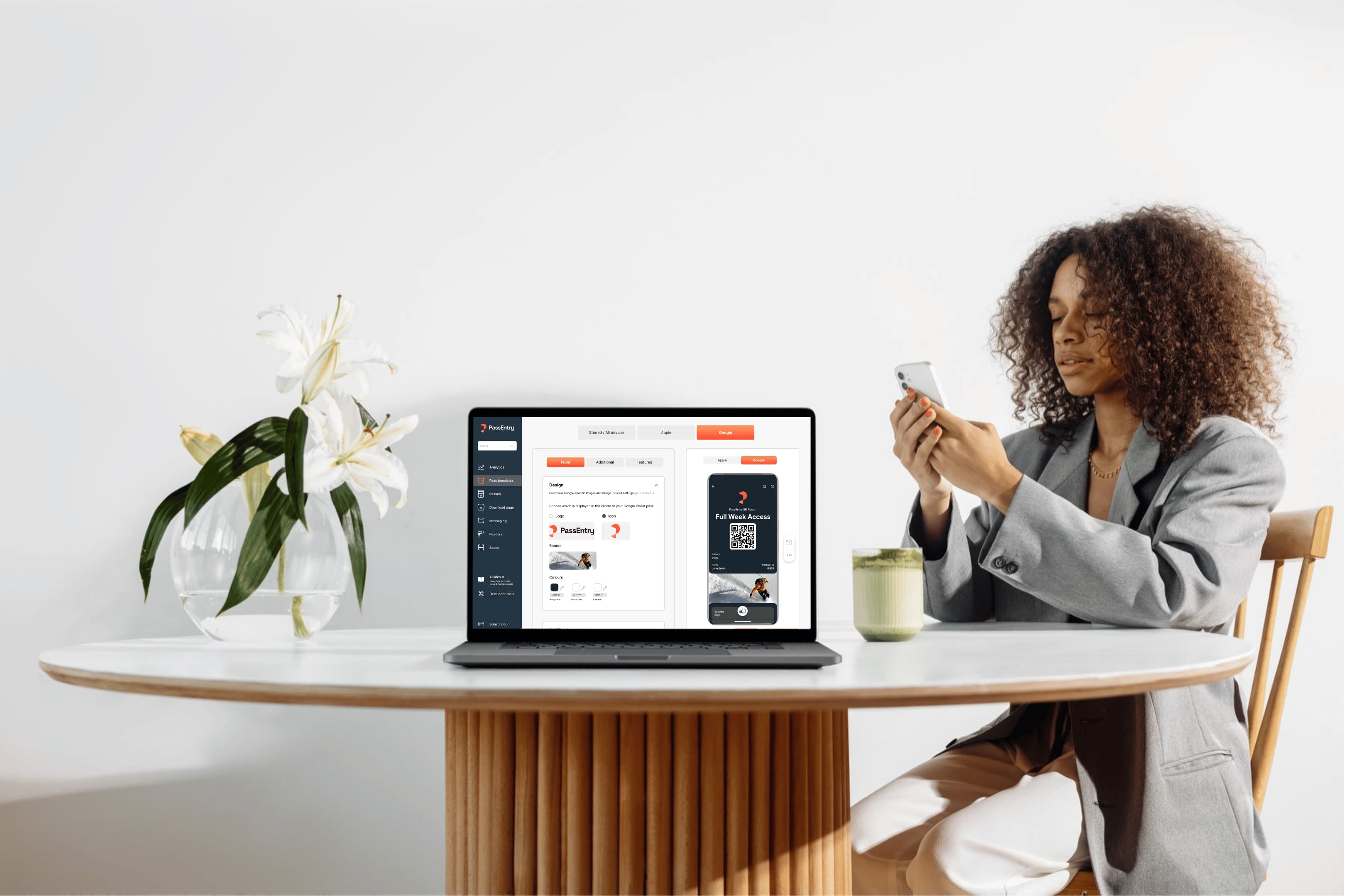
On the PassEntry platform you can test and design your first pass in under five minutes.
Typically, a simple pass such as a loyalty card or event ticket that will be sent by email or by scanning a QR code can be designed and issued within one day.
Connecting passes to a CRM, POS or ticketing platform will usually take a few weeks.
Choosing to issue NFC passes extend the process because they first require the approval of Apple and/or Google.
Blue Lagoon, a PassEntry client, adds
“PassEntry has made ticketing more seamless for your guests and more manageable for our team. It works well and reliability matters.”
— Blue Lagoon
What should I look for in a wallet pass issuer?
The platform you choose should offer all these benefits:
Apple and Google Design your pass once, issue it to both wallets
Easy Updates Add live updates and notifications
Work with your tools Connect to your CRM, ticketing system or POS
Trouble free scanning Works offline
Strong Support A team to help you build your passes
Insights Downloads and reports
Can I switch provider and migrate issued passes?
Yes, you can switch, but you may not be able to migrate passes without reissuing them.
In other words, the digital wallet passes you have issued won’t automatically move to a new provider. Each pass is linked to the provider that issued it. If you change provider, those passes will still show in the Apple Wallet or Google Wallet and will still scan. But they won’t receive updates or push notifications unless the new provider can take over the connection and this will depend on whether you setup and own the pass or your provider owns it. It is good practice to export your pass and customer data before you make the switch.
Still have questions? Talk to our Team at PassEntry.