How to Create an Apple and Google Wallet Pass in 30 Minutes
Read Time:
Your step-by-step guide to designing, issuing and testing your first Apple and Google wallet pass with PassEntry.
You can achieve a lot in 30 minutes. You can speed-clean your kitchen and bathroom, meal-prep your lunches for a week, run 5k (probably) or build a digital wallet pass with PassEntry.
Designing, testing and adding your first pass to the Apple or Google Wallet is easy and code-free. Using either the PassEntry Dashboard or API you can have a live pass within minutes, not hours.
Follow these simple steps to create a pass template, issue a digital pass, add it to a mobile wallet and test it.
From Dashboard to Wallet, The 4 Steps to Your First Pass
Let’s break down the process.
Start by logging into the PassEntry dashboard and gathering the assets that you will need: your logo, brand colours and any image you want to include on the pass. Decide what type of pass you are about to create – will it be an event ticket, a loyalty card, or perhaps a membership pass – and select the fields you want to include like name, date, time or membership number.
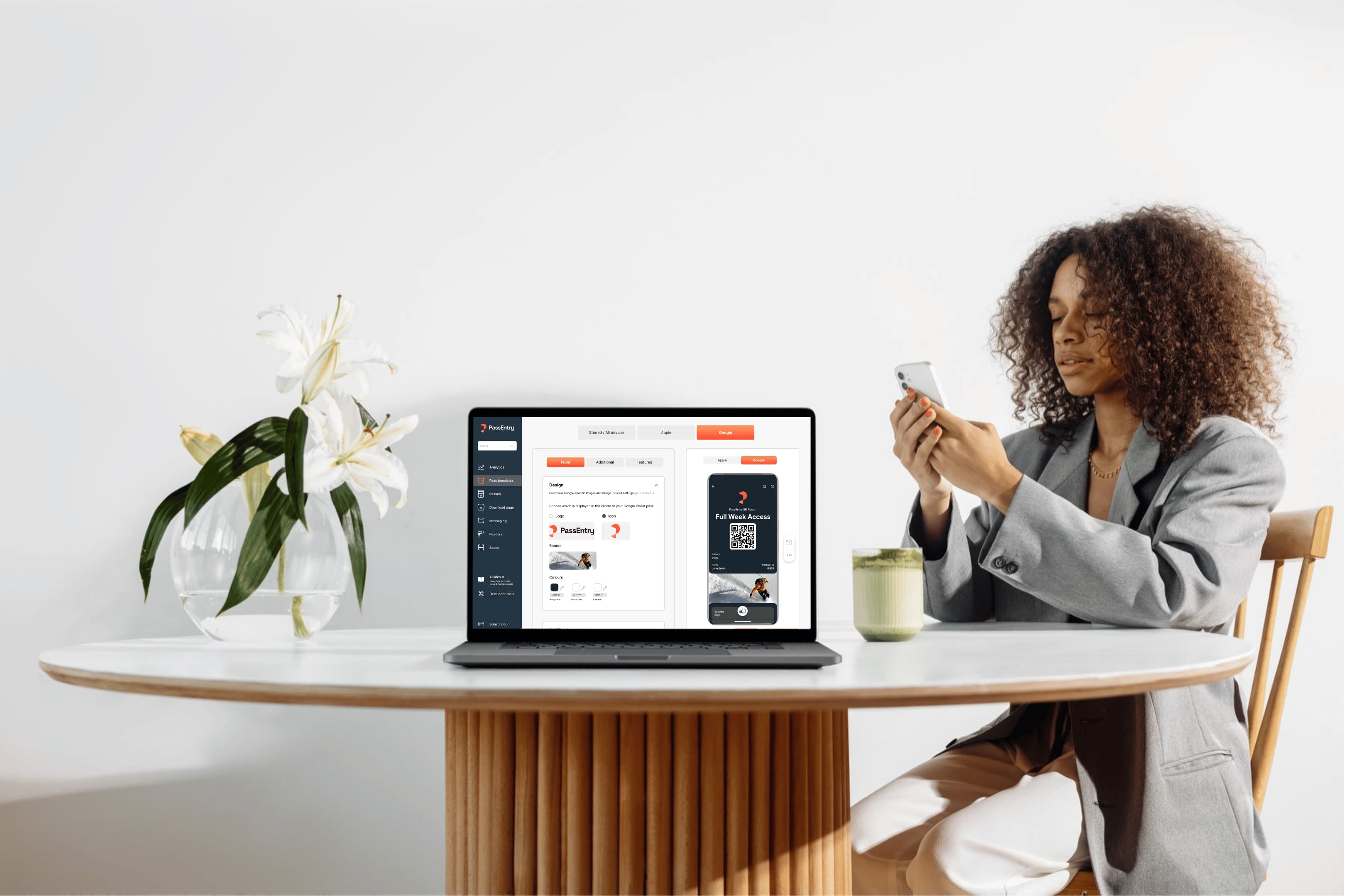
Next, build the template. Upload the assets you have chosen to create the pass that best reflects your brand. Then add your data fields and a barcode or QR code if you need that too. It’s good to remember that clean and simple designs work best.
Now you’re ready to create the pass from the template you have just completed. The PassEntry platform will generate a secure, pass-specific URL that allows a user to add the pass to their Apple or Google Wallet.
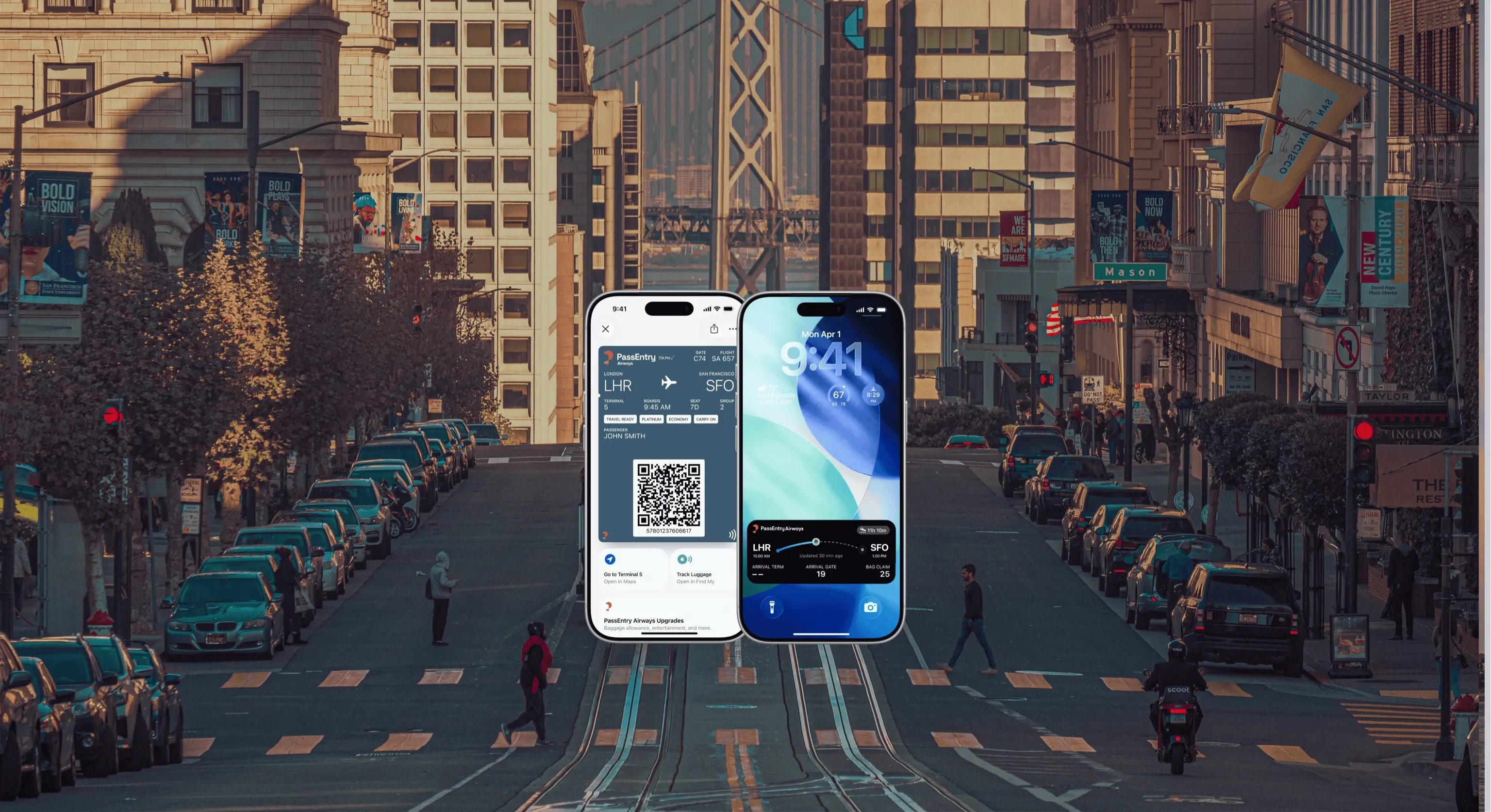
Test your pass. Open the link on your phone, add the pass to your wallet and check that it looks exactly as you wish. To test push notifications, you must first activate a pass and add it to a digital wallet.
Your thirty minutes is up, and your pass is live.
Test, Refine and Pitch Your Apple and Google Wallet Pass
Of course, this doesn’t have to be the end of the story. You may want to refine your original design. But seeing the pass in the Apple or Google Wallet makes it much easier to judge whether you have included the right data fields, to gauge how your branding looks on-screen and to check if any QR codes scan properly.
A live pass is far more persuasive than any slide deck or mock-up. If you need a client or event organiser to buy in to your proposal, handing them a phone with the pass already in the wallet makes your pitch that much easier.
The PassEntry dashboard includes an interactive template builder and allows CSV uploads to enable batch operations. It’s a no-code solution, which means you don’t have to rely on your developers to build the first version for you, and the pass comes with built-in analytics.
A single pass template is compatible with both Apple Wallet and Google Wallets, so you are not trying to build and maintain two separate versions. Because you can edit a live pass you can update the content – it might be that you want to introduce a new offer, change an event date, or add or delete an image – without having to start over.
Once you are satisfied with your digital wallet pass template design, the PassEntry API can generate hundreds (or thousands) of unique passes in a single batch operation. You can also connect PassEntry with your existing CRM, analytics and marketing platforms.
Why Brands Choose PassEntry for their Apple and Google Wallet Passes
The sooner a pass is live, the sooner it can start working for you. Push and location-based notifications ensure your customers are constantly reminded of your pass through their lock screens.
What starts out as a 30-minute build becomes the foundation of loyalty schemes, event ticketing programmes, membership clubs and more.
It’s no surprise that PassEntry is trusted by everyone from independent brands to global enterprises and enjoys a 92% client retention rate.
In a crowded marketplace, choosing the right wallet pass provider can make all the difference. PassEntry combines the simplicity of a no-code dashboard with the power of an API-first platform. You can launch your first pass in minutes and scale to thousands without switching providers. Whether you are an independent company or an established larger business, you will benefit from the real-time updates, push notifications and integrations that work with the systems you already use.
Ready to see what you can achieve in half an hour? Book your PassEntry demo today.