Pass Perfection – Wallet Pass Presets Are Here.
Read Time:
Pull up a chair, it’s time to talk Apple Wallet and Google Wallet pass presets.
Presets are ready made pass-templates designed for a particular use-case. They work for venues and clubs. They work for retailers and brands. They appeal to marketing, product and operations teams and have a particular appeal for those who are tasked with building their first Apple Wallet or Google Wallet passes.
Think of presets as the menus of the wallet pass world. It’s like this. When you go out for a restaurant meal nobody asks you to invent the dish, list the ingredients and then explain how to cook it. Those decisions have been made for you.
A preset is a pass that’s already been designed for your use case. You simply tweak it until it is exactly as you want it. By using a preset, you take fewer decisions yet still build better passes, fast.
The exciting news is that presets are now available for both Apple Wallet and Google Wallet. They come with the pass type, fields, artwork and sample content already set up.
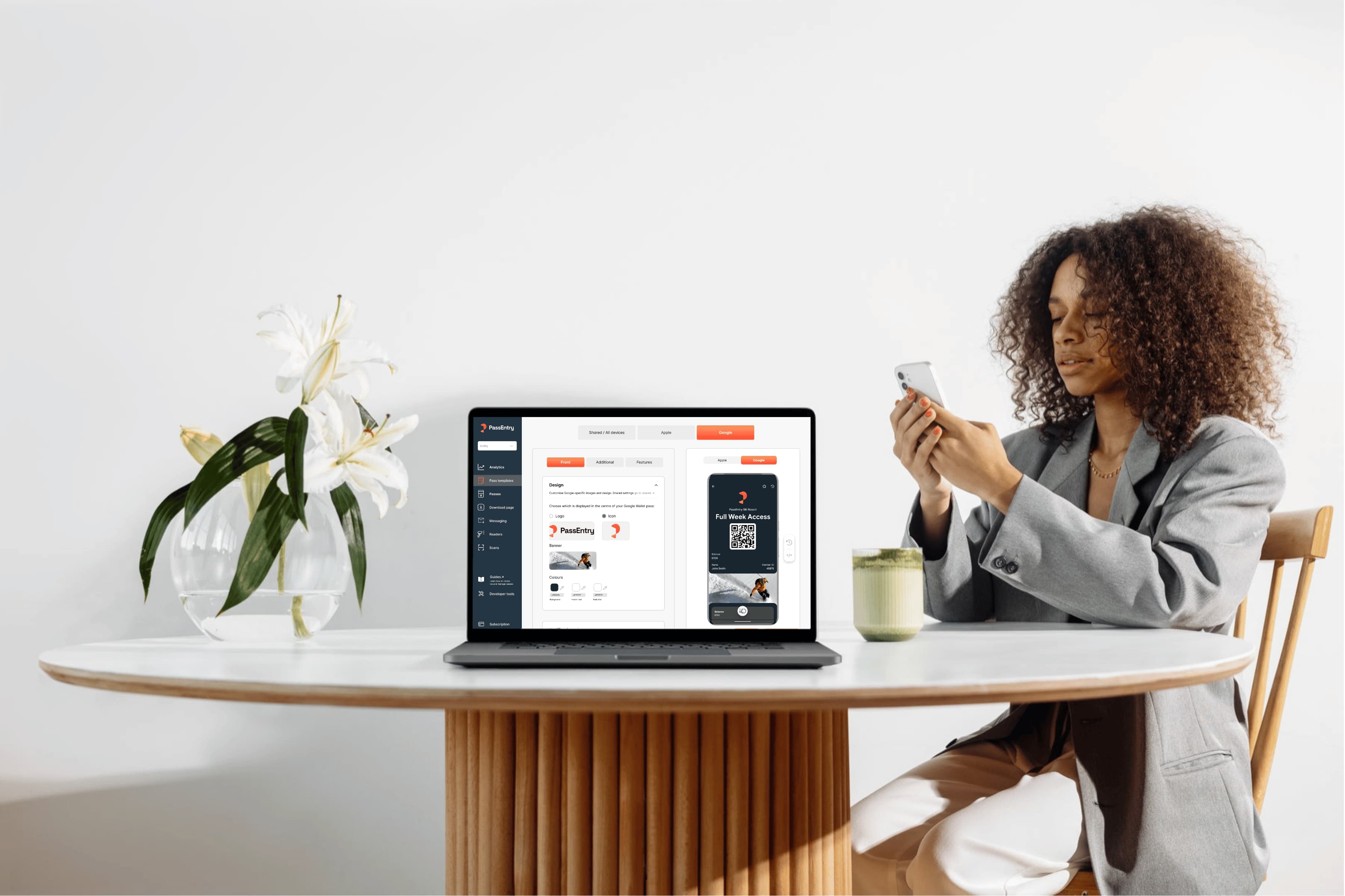
It works like this. You choose a preset, swap in your own branding, colours, images and data before saving it as a template. Every data field, link and image can be changed.
With the launch of Apple Wallet enhanced passes, now is the perfect time to take a closer look at what all the fuss is about.

Got Five Minutes? That’s all a Preset Needs
Teams using presets launch their digital wallet passes faster and this is how they do it. Pick a preset, add branding and data and you have a pass template in under five minutes.
Create ‘New Template’ and the preset gallery will open.
Browse the presets by use case: choose from events, sports and fitness, hospitality, retail, travel and transit, workplace and education and insurance.
New customers will receive preset recommendations based on the use cases they selected at sign-up. Pick retail and retail presets will be recommended, pick multiple categories and each will receive a recommendation.
Preview the preset in both the Apple Wallet and Google Wallet before choosing ‘Use this Pass’.
Personalise it. Make it your own by inserting your company logo, colours, images, fields and links.
You will still have the option to start from scratch because a ‘Blank Template’ is always the first option in the gallery.

Do I Really Need a Preset? (Short Answer: Yes)
Let’s consider exactly what a wallet pass preset can do for your enterprise.
Speed. Because you don’t have to build every field from scratch you can go from sign-up to a finished template in under five minutes.
Eliminate Guesswork. You don’t need to know how Google Wallet and Apple Wallet structure their passes because the type, fields and layouts have already been filled in for you.
Best Practice. Each preset shows you what a good pass for your use case looks like and this includes what should go on the front, on the back and which barcode format to use.
Build an Apple Wallet and Google Wallet pass from one preset. This is the killer feature. Every preset is set up for both wallets and gives you a preview before you commit.
Fully Editable. Nothing is locked. Colours, images, fields and links are all editable.
Launchpad. Looking for inspiration ? Browsing the full range of presets shows you the range of passes that can be created.
Enhanced Apple Pass Presets Up Close
Apple's most visually striking passes yet are here. Enhanced passes for event tickets have been around since iOS 18, and iOS 27 now brings the same premium treatment to membership and offer passes. Using a preset is the fastest way to go live with these premium wallet passes.
Enhanced Apple Wallet passes differ from standard passes in several ways. The artwork is full bleed, so the image fills the entire pass rather than sitting in a strip or banner. Below the pass sit links to useful places: Apple offers fourteen featured action types, and each pass can show up to two. Customers can watch a trailer, listen to music, shop online, get directions, or view membership benefits, offers and rewards.
Enhanced event tickets work on iOS 18 and later, while enhanced membership and offer passes need iOS 27 or later. Anyone on an older version of iOS will get the standard version of the pass, and Google users will get the Google Wallet version.

These are the enhanced Apple Wallet presets now available:
Preset | Use Case |
Wildwood Festival | Music Festival Ticket |
The Last Signal | Cinema Ticket |
Saltwell | Spa and Wellness Membership |
Bare | Product Launch Free Gift |
As well as the enhanced presets, there is an expanded Apple Wallet pass library to cover the most frequently requested use cases. Some presets will appear in more than one use case.
Events have presets for concert tickets, sports match tickets and conference badges.
Sports and Fitness including gym memberships, sports match tickets, fitness class passes and season tickets.
Hospitality includes stamps and coupons for coffee cards, perks for hotel guests, pizza stamp cards, and member club cards.
Retail embraces rewards issued by shopping centres, supermarket loyalty cards and gift cards issued by florists.
Travel and Transit hosts airline boarding passes and perks for hotel guests.
Workplace and Education embraces staff passes as well as employee passes and alumni cards.
Insurance is a preset category that includes health insurance and motor insurance cards.
New to Enhanced Passes ? Take a look before you start
Because enhanced passes are a new concept, many businesses won’t yet have seen one. But we’ve got you covered with a completed example for each Apple Wallet enhanced preset. The premium pass includes artwork that has been correctly sized, and the Apple Wallet features fourteen action types with each pass able to show two.
And, if you wish, you can still choose a full custom design for your Apple Wallet or Google Wallet pass. Consider it much like hiring a private chef: brilliant now and then, but pricey and hard to scale. For most of your meals you will probably be happy to choose from the preset menu.
Ready to Order? Try a Preset with PassEntry
Our kitchen’s always open and we can serve your first preset-pass in under five minutes. All you have to do is add branding and data.
Get in touch with the PassEntry team today and let us help you pick the perfect preset.